
Smart hydraulic and pneumatic design software
- Fast and user-friendly pneumatic and hydraulic design
- Automatic generation of labels and reports: tube lists, bill of materials, and more
- Symbols as per ISO 1219
- Foreign language translations
- AI support with ELECTRIX AI: Benefit from up to 99% faster engineering

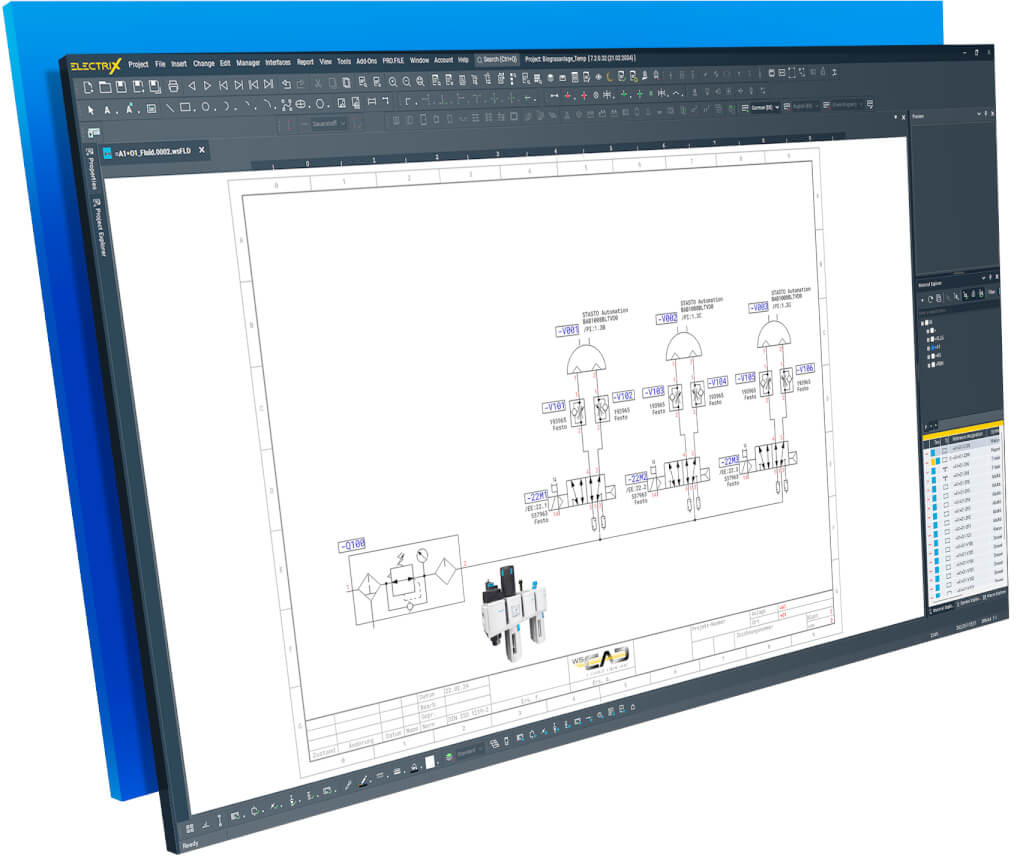
Experience WSCAD ELECTRIX for fluid engineering!
With the Fluid Engineering module in WSCAD you can design and document pneumatic and hydraulic machines and installations in a user-friendly software environment.
- Sophisticated software for fluid engineering
- Stop creating manual lists
- Switch between engineering disciplines
- Import parts from the biggest electrical CAD data repository
Sophisticated software for fluid engineering
- The Fluid Engineering module extends the power of WSCAD ELECTRIX with hydraulic- and pneumatic-specific functions, symbols, and parts. It includes all design requirements that empower you to create projects that include even the smallest of detail.
- The best part? Your fluid designs and electrical schematics are always in sync: a change in one place is automatically applied everywhere!
- Done with your design? Create detailed tube lists, bills of materials, labels and so much. Revision control helps to organize modifications.
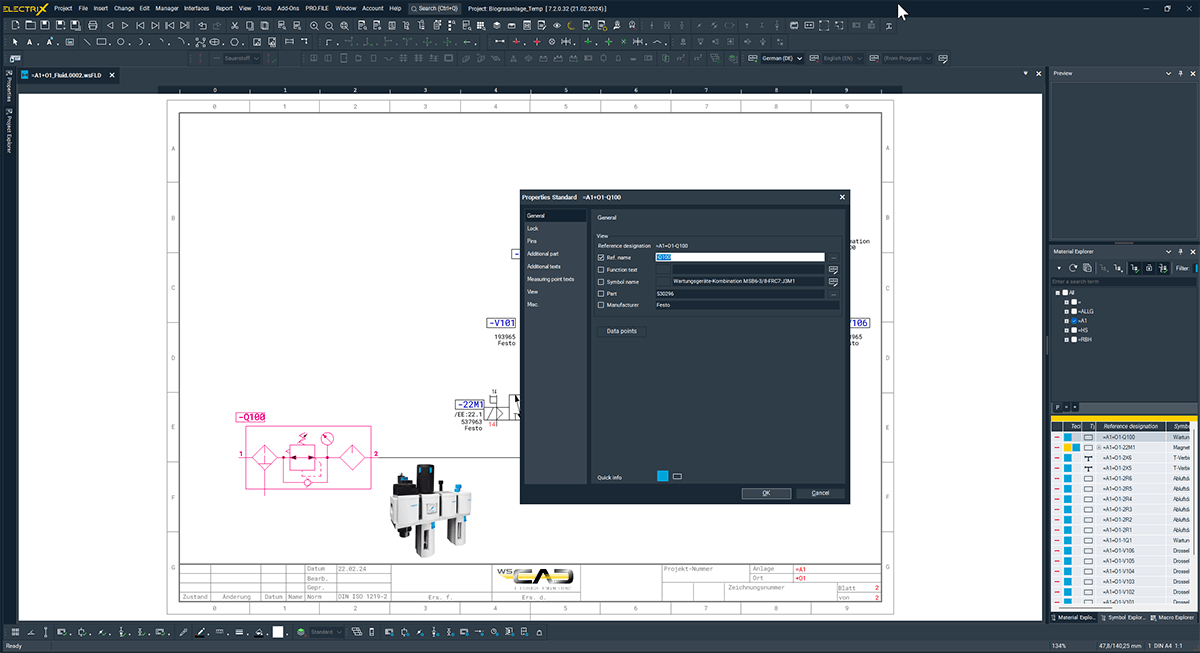
Stop creating manual lists
- Reduce documentation time with the helpful built-in functions such as the automatic generation of labels, tube lists, equipment lists and material lists for fluid components.
- The automatic connection diagrams offer you a bird’s-eye-view of everything you need to know about your project.
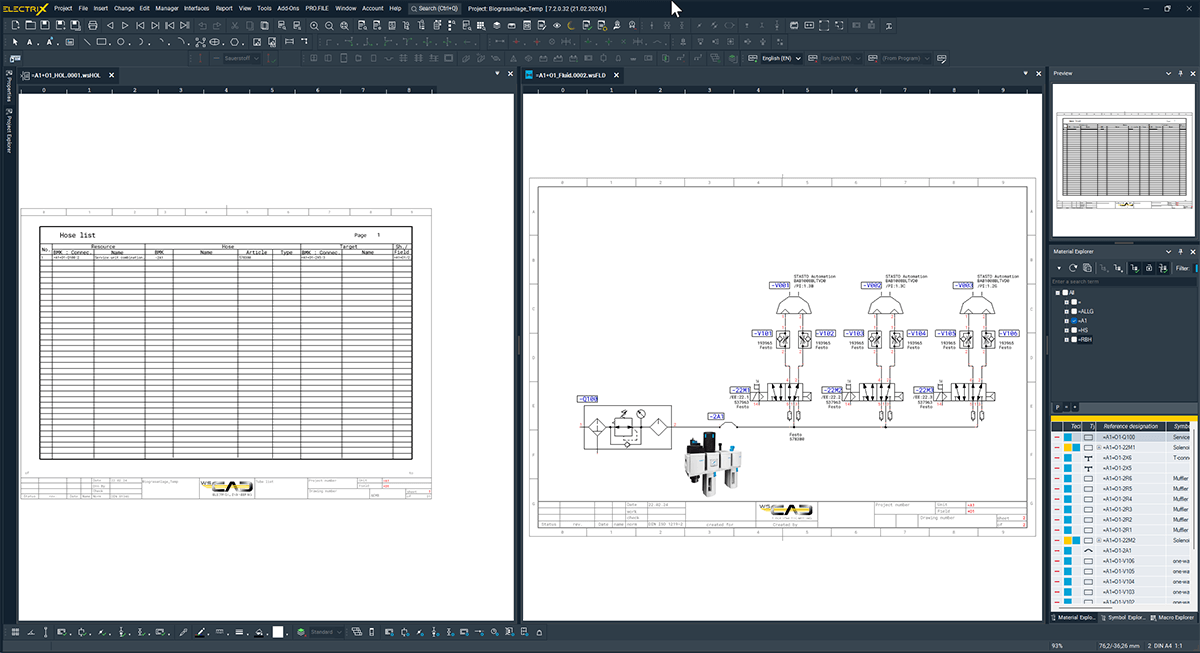
Switch between engineering disciplines – just with one click
- WSCAD stands for consistent and interdisciplinary engineering. Simply switch to the relevant discipline with just one click, e.g. from Fluid Engineering to P&ID and edit corresponding components directly in the according diagram.
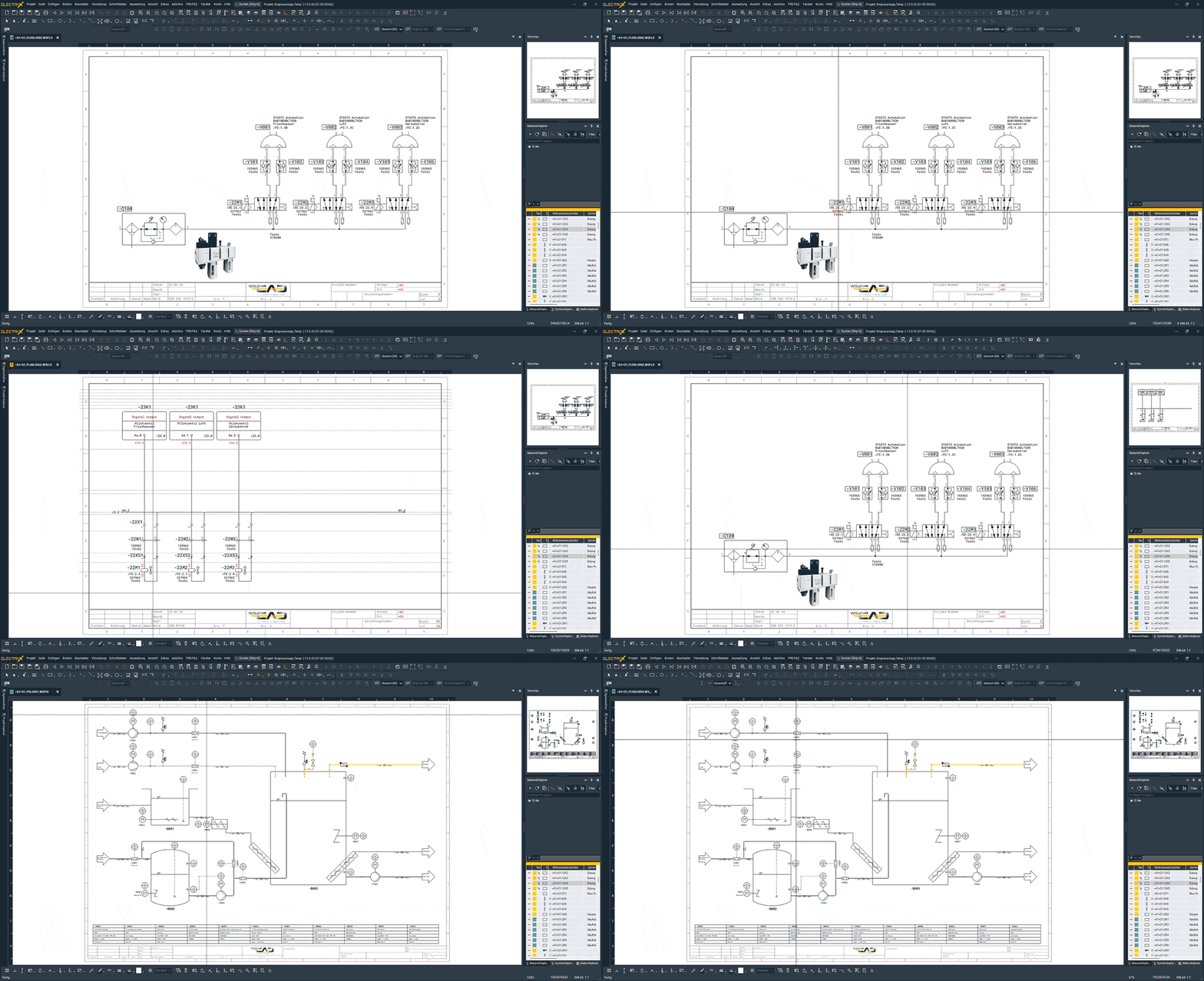
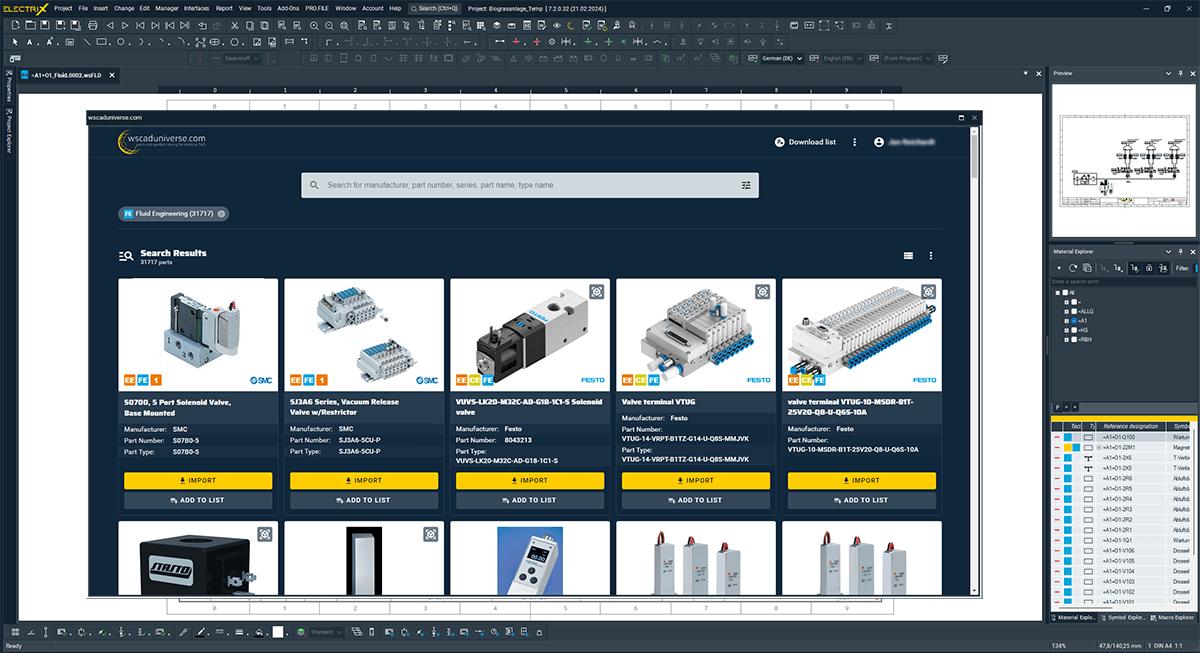
Import parts straight from wscaduniverse.com
With WSCAD ELECTRIX, you can quickly and easily import the parts you need directly from the biggest electrical CAD data repository in the world, wscaduniverse.com, into your schematics. For the Fluid Engineering discipline alone, more than 38,000 parts from well-known manufacturers are directly available – completely free of charge. Simply import from the WSCAD software: search for, find and select articles and insert them directly into your project.
Six engineering disciplines in one software
- Electrical Engineering
- Cabinet Engineering
- Piping & Instrumentation
- Fluid Engineering
- Electrical Installation
- Building Automation
 Electrical Engineering
Wiring diagram design
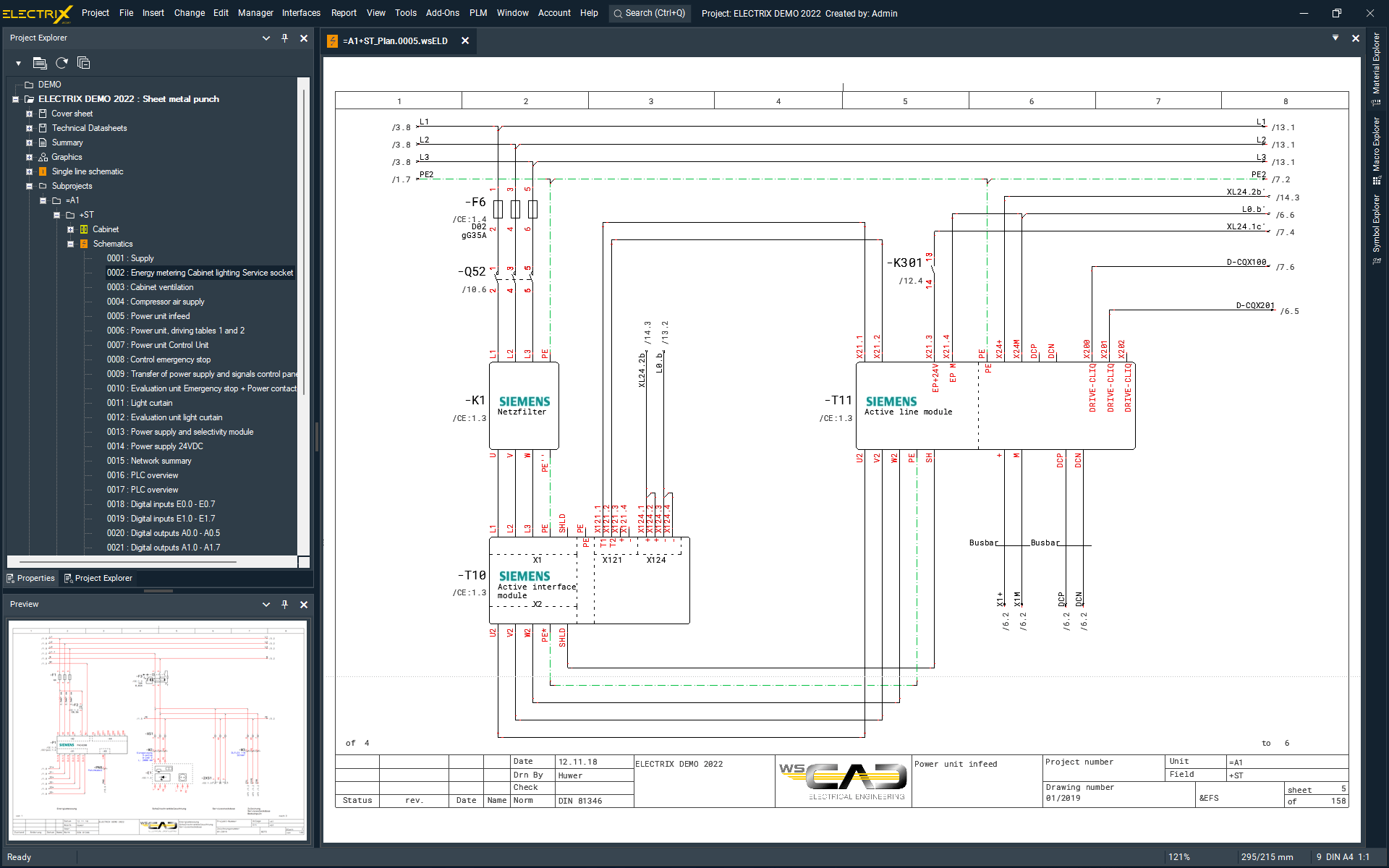
The Electrical Engineering module in WSCAD ELECTRIX enables you to design medium- and low- voltage systems for machines, plants, industrial automation and building automation.
Control cabinet designers, facility managers, maintenance engineers and industrial electricians rely on our user-friendly software to handle electrical schematics, control cabinets and all associated documents.
 Cabinet Engineering
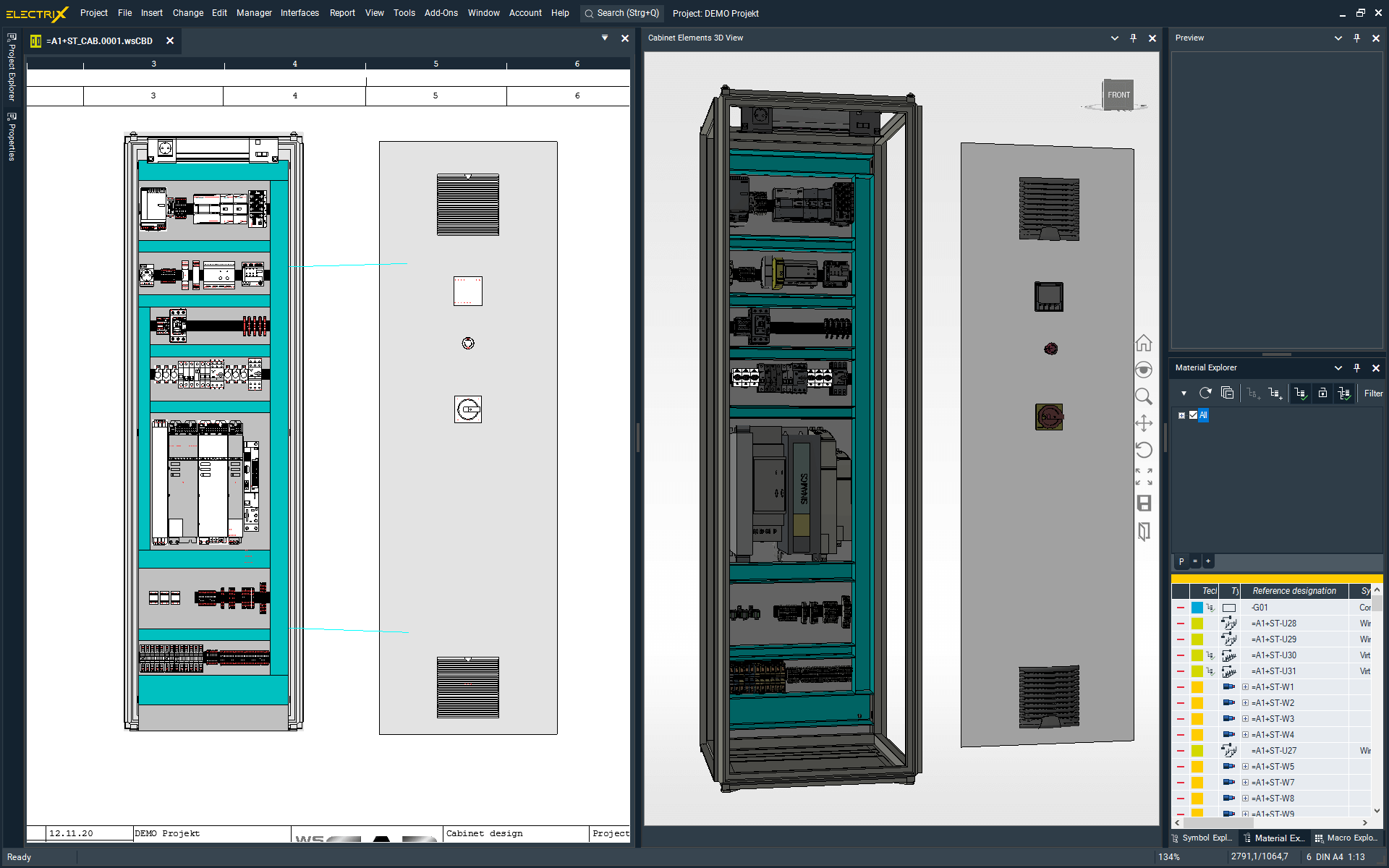
Professional cabinet design and wire routing
With the WSCAD ELECTRIX Cabinet Engineering module designing panels is super easy: use the precise and optimal placement of components, collision checks or the calculation of wire lengths/routes – all of this available during the design phase. Drilling data for components, mounting rails and cable trays can be configured easily through a dedicated menu. The integrated 3D view of the cabinet gives you a better spatial awareness.
 Piping & Instrumentation
Process engineering and measuring point management
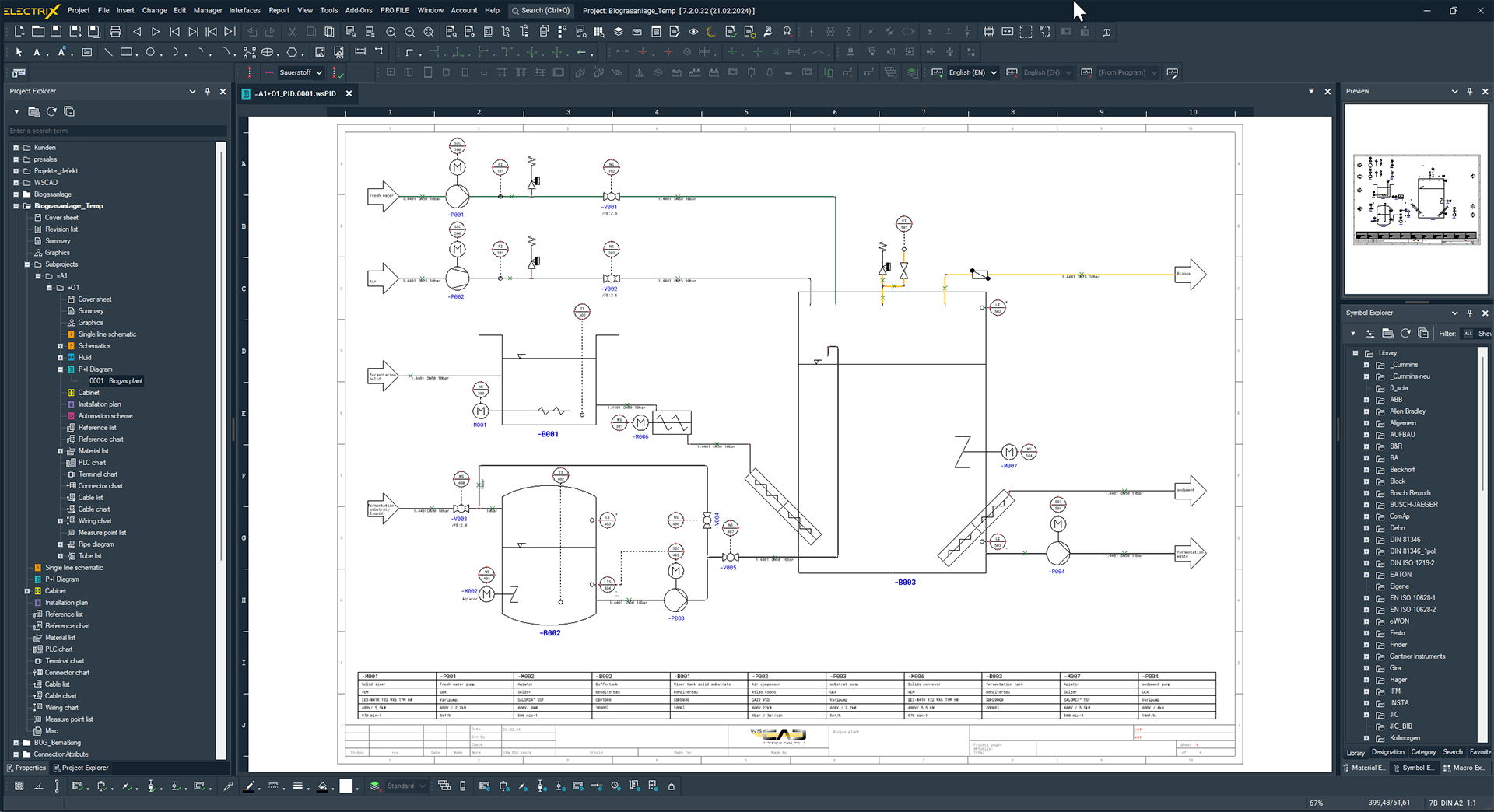
Design piping and instrumentation diagrams easily using WSCAD ELECTRIX P&ID (Piping & Instrumentation Diagrams) module.
By linking every P&ID component with their representation in another engineering discipline you get a consistent design. Add the unique, sequential numbering of measuring points and you will be able to remove errors in a breeze.
 Fluid Engineering
Pneumatic and hydraulic systems
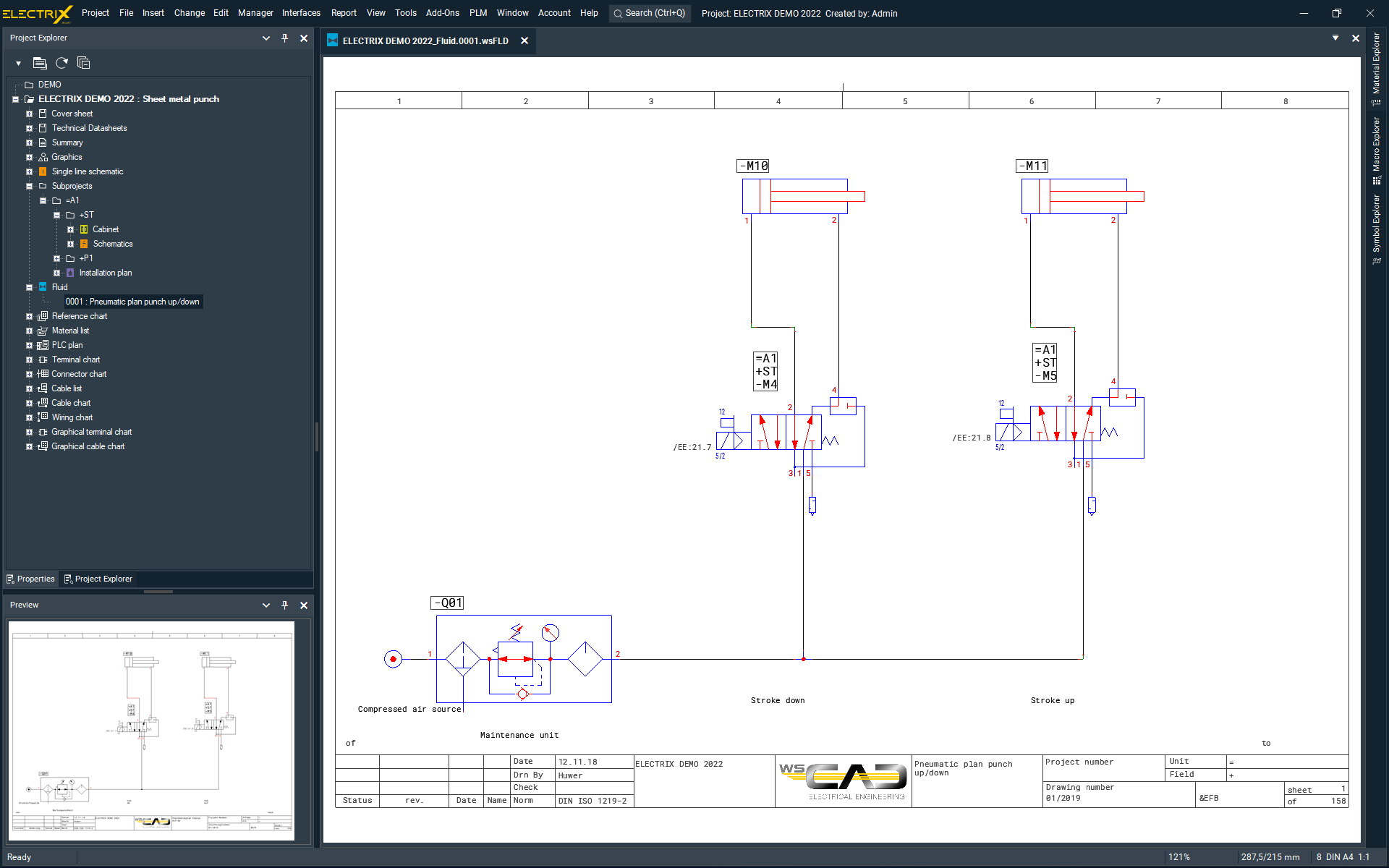
WSCAD ELECTRIX is your ideal companion to design pneumatic and hydraulic systems. The Fluid Engineering discipline includes all the benefits of the Electrical Engineering module, plus special fluid functions. Designers and maintenance engineers get all the tools they need for the end-to-end design of mechatronic tasks – quickly, intuitively and efficiently.
 Electrical Installation
Installation diagrams and distribution diagrams
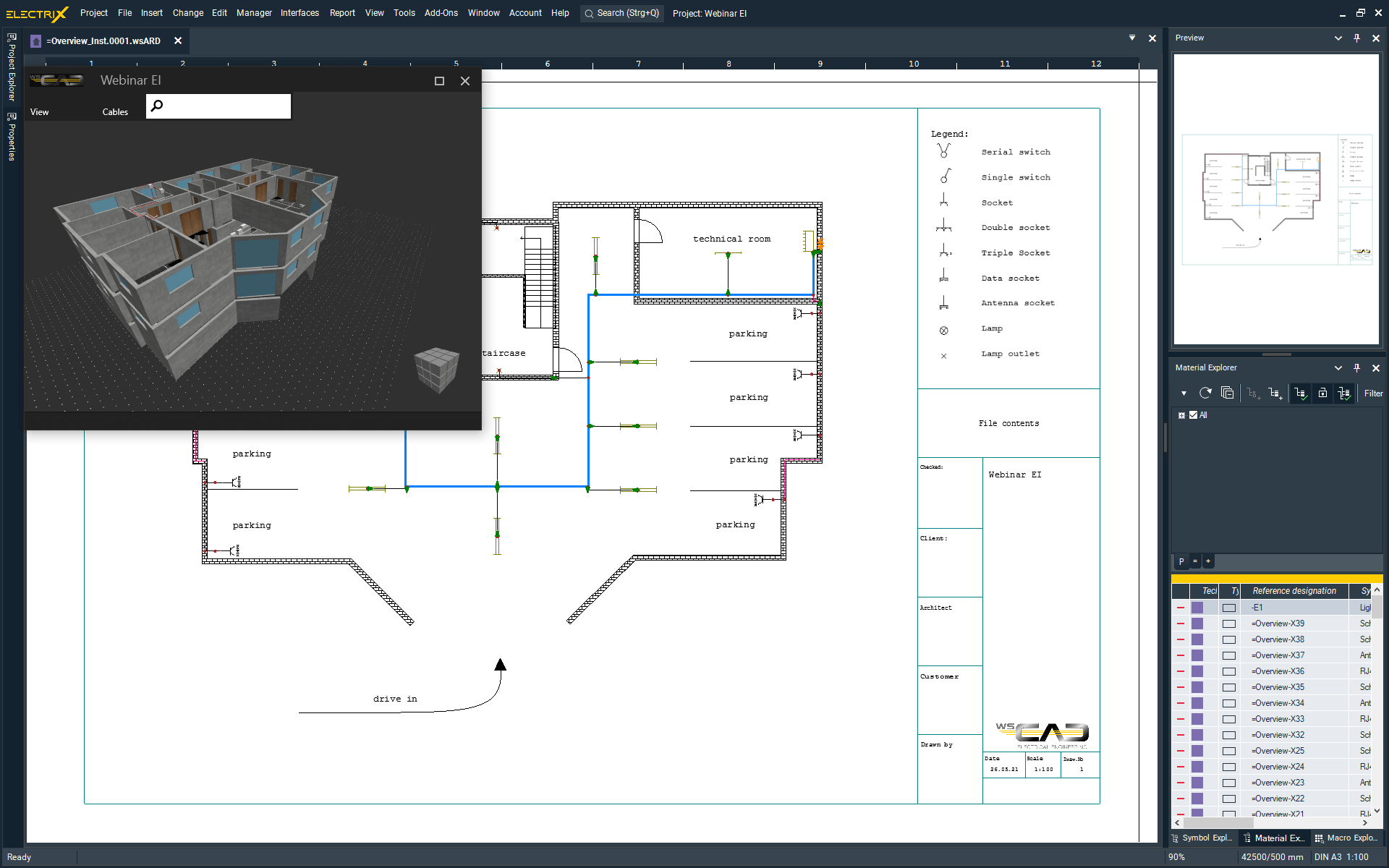
Design building system technology, medium- and low-voltage installations, as well as antenna and fire alarm systems. The Electrical Installation module of WSCAD ELECTRIX is your tool from design to delivery, including the 3D location of equipment in plants and buildings. Import PDF or DWG floor plans at scale, place all the field devices and link them to the existing symbol data of the schematics.
 Building Automation
Building Automation and measurement control technology
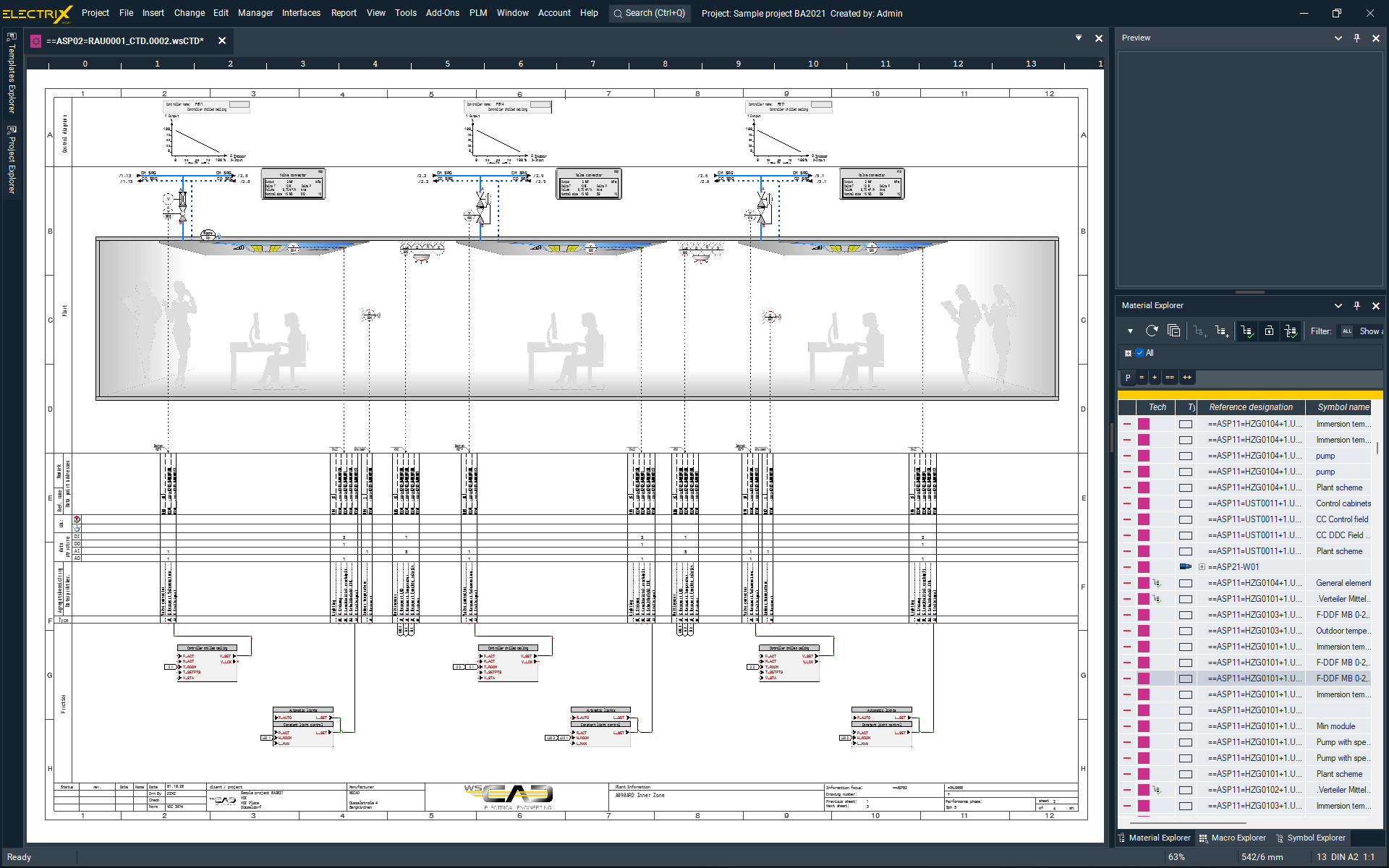
Design layouts and schematics for measurement control technology using the WSCAD ELECTRIX Building Automation module.
Symbols placed in the schematics are linked to the corresponding component and its manufacturer data. This way you can easily generate the BOM for procurement, pricing and manufacturing. You can ensure constant transparency and traceability throughout the entire project. Just rely on the coloured representation of plant schematics and functional diagrams with subsequent evaluation of all functions, materials, field devices and cables.
Over 40,000 customers work with WSCAD
Fluid Engineering case studies
WSCAD Facts

> 40,000
users

> 35 years
of ongoing market success

> 100
countries use WSCAD
Get the ELECTRIX demo version
Try now the latest version of the electrical CAD software from WSCAD for free
Get the complete WSCAD ELECTRIX demo and try it, including all the modules for free. Simply fill in the form and we will send you an email with the download link.
What you can expect:
- Test all functions for 30 days without obligation
- Highest expansion level of the software with all six electrical design disciplines
- AddOn “ProjectWizard” pre-installed
- Completely free of charge – no credit card details required


